
Leganto September 2024 Release Notes
November 2024 Sneak Preview
- Library view
- Additional advanced search options and filters when searching the library
- "Save query" option when searching in Alma
Main Features
Configure Publishing Visibility Options that are Displayed to Instructors
September 2024 Leganto URM-213749SF: 07166033
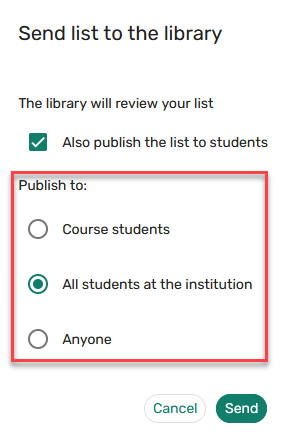
Institutions can now control which list publishing options to display to instructors when sending a list to the library for review. The parameter show_publishing_options(Configuration > Leganto > List Management > Publishing) can be set to:
- All, Anyone — All students at the institution and Anyone
- All, Registered — All students at the institution and Course students
- Registered, All, Anyone — Course students, All students at the institution, and Anyone
- Registered, Anyone — Course students and Anyone
This parameter is only relevant when auto_publish_default_mode is set to No.
The default setting when auto_publish_default_mode is set to No is Registered, All, Anyone. The default selected setting for this parameter is based on the setting in the publish_default_mode parameter.
For more information, see Configuring Reading List Publication Options.
New Out-of-the-Box Report for Copydan Reporting Now Available
September 2024 Fulfillment - Course Reserves URM-224981
The new Copyright - Copydan Reporting Template – Denmark out-of-the-box report is now available. It can be used by institutions in Denmark to report to Copydan on the materials that were used in courses. When opening the report, the following prompts appear that allow you to filter the report as needed:
- Course Year
- Course Term
- Includes Uploaded File
- Citation Material Type
The following is an example of a report:

Additional Enhancements
-
September 2024 Leganto URM-223180SF: 07158699 07198080 07205380 When configured (Configuration > Leganto > List Management > Item Request Questions and Item Request Answers), the new UI now triggers Leganto Questions when adding items using Cite It!
For more information, see Configuring Leganto Questions.
-
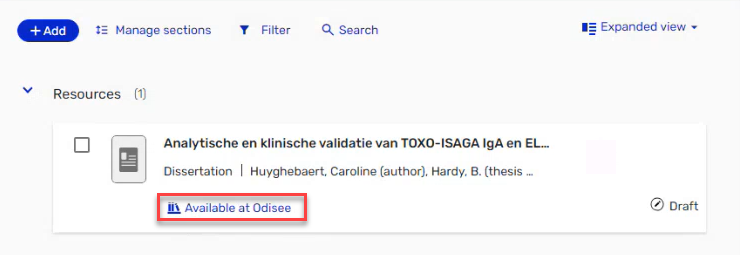
September 2024 Leganto URM-185383 URM-223837 When an item is unavailable locally, the brief view now indicates that the item is available at another institution.
This feature is only for physical items.
The full details pane indicates where the item is available.
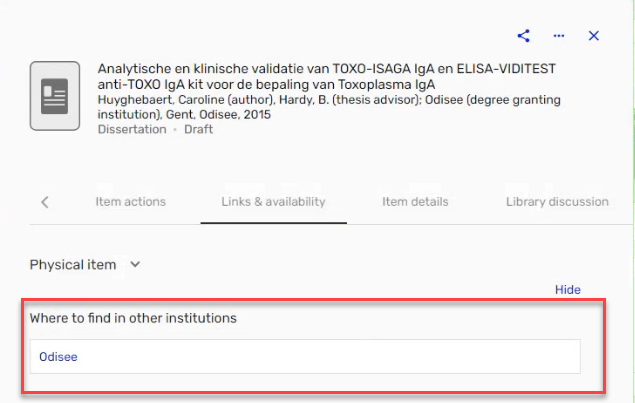
Selecting the institution name opens Primo to display the holdings.
This feature only supports Primo VE.
-
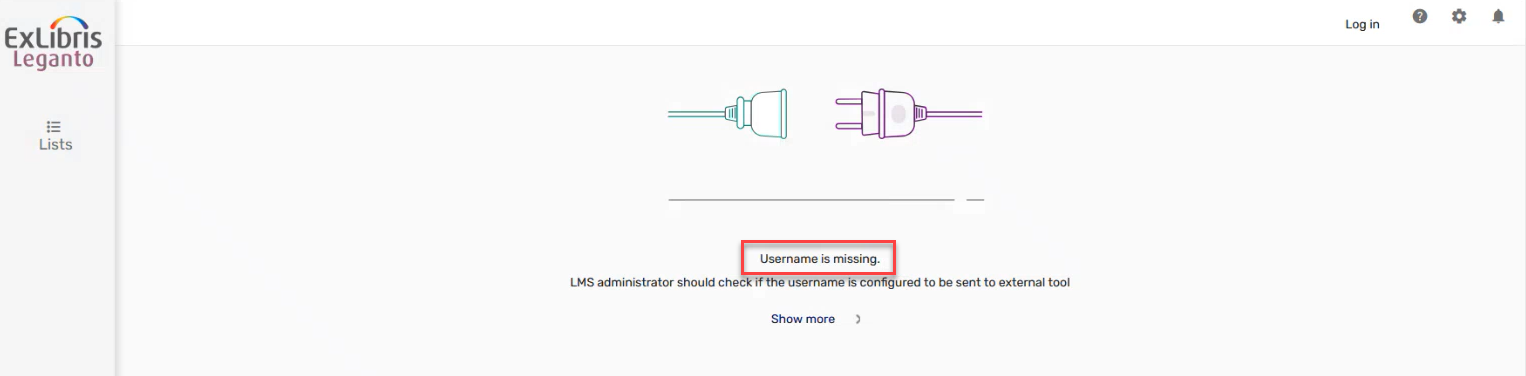
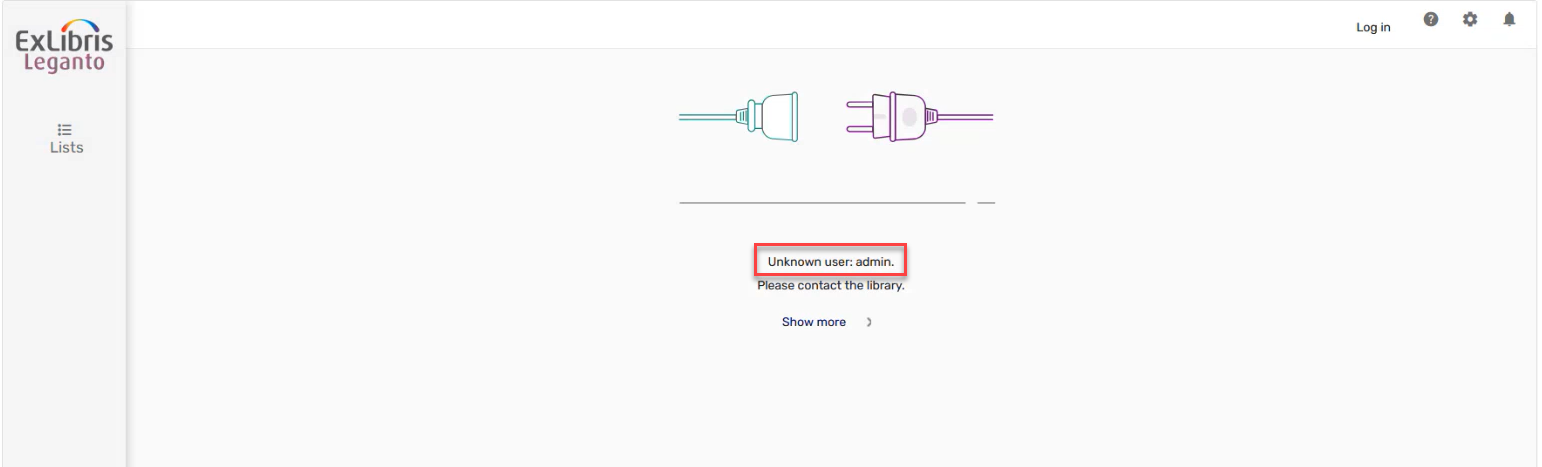
September 2024 Leganto URM-216256 Leganto displays an error message when the user accesses Leganto using an LTI link and either the username is missing or the user is not found in Alma. These message have been updated to match the new UI.
-
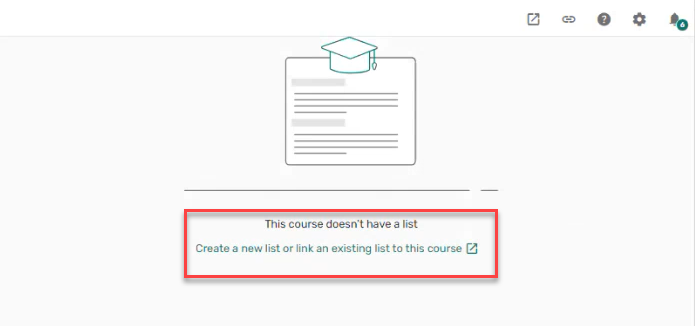
September 2024 Leganto URM-216781 When using the link selection or editor button, courses without lists now display a message indicating that This course doesn't have a list, and presents the option to Create a new list or link an existing list to this course. A similar workflow was previously available in the classic UI and is now also available in the new UI.
-
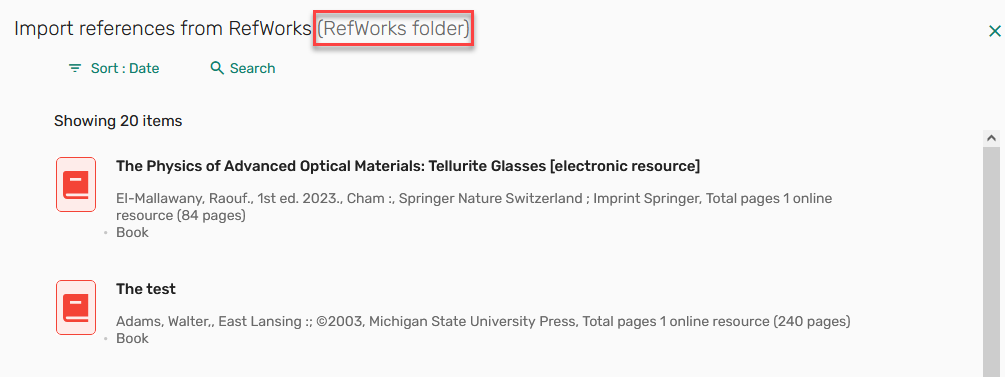
September 2024 Leganto URM-212337 Based on customer feedback, you can now define a RefWorks folder name in the Reference managers settings. If the folder name is defined, the Folder name is displayed in the Import references form Refworks screen.
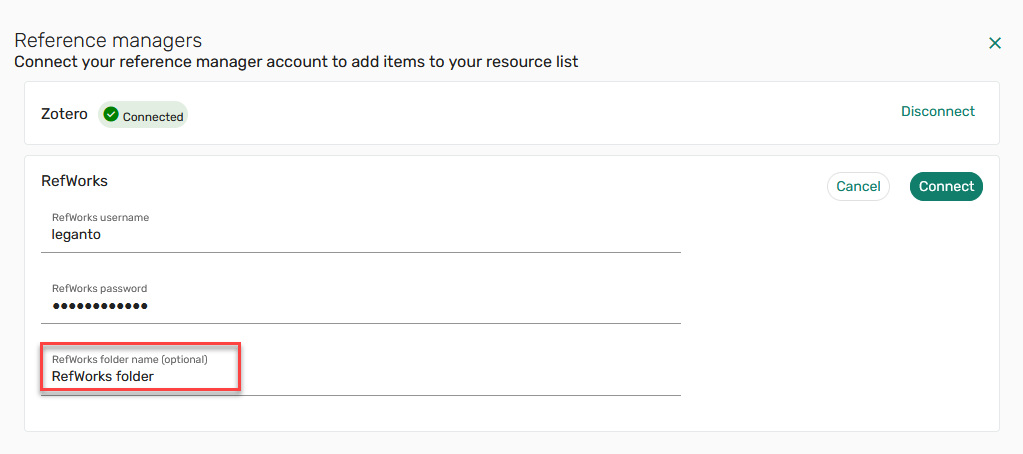
For more information, see Setting a Connection to a Reference Manager.
-
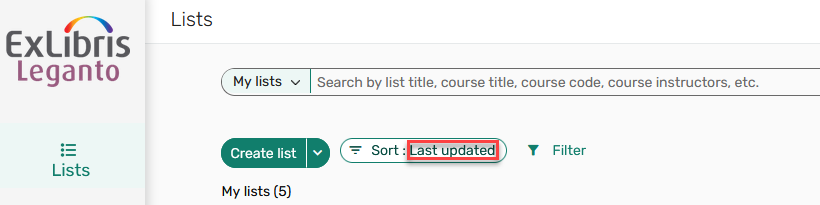
September 2024 Leganto URM-221034 Based on customer feedback, the Sort option now displays the selected option.
-
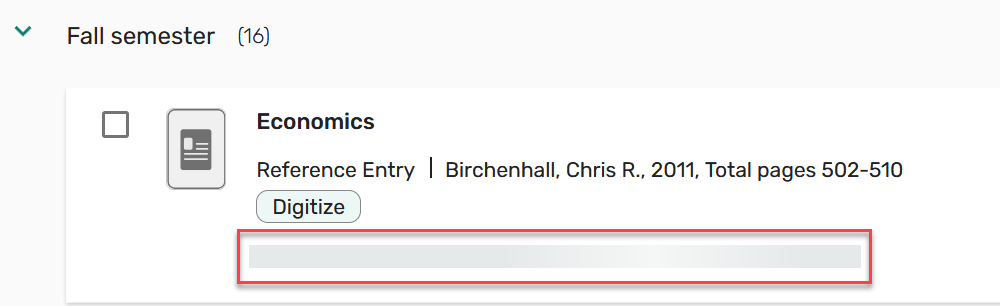
September 2024 Leganto URM-211300 Based on customer feedback, the brief view now includes a skeleton as the item availability is loading.
-
September 2024 Leganto URM-223180 SF: 07132893 Based on customer feedback, when viewing an unpublished list as a student, the banner now indicates that Your list isn't published and isn't visible to students.

Additionally, when viewing a stand-alone section, a banner also indicates that Your list isn't published and isn't visible to students.

-
September 2024 Leganto SF: 07234229URM-227916 Based on customer feedback, the new UI now supports HTML tags for the following error message labels (Configuration > Leganto > General > Labels - New UI):
- error.course_cannot_have_lists (previously error.1)
- error.general (previously error.2)
- error.CMS.entry (previously error.3)
- error.no_lists (previously error.4)
-
September 2024 Leganto URM-220944 Based on customer feedback, when saving an item to Favorites, the confirmation message now includes a link to Favorites.

-
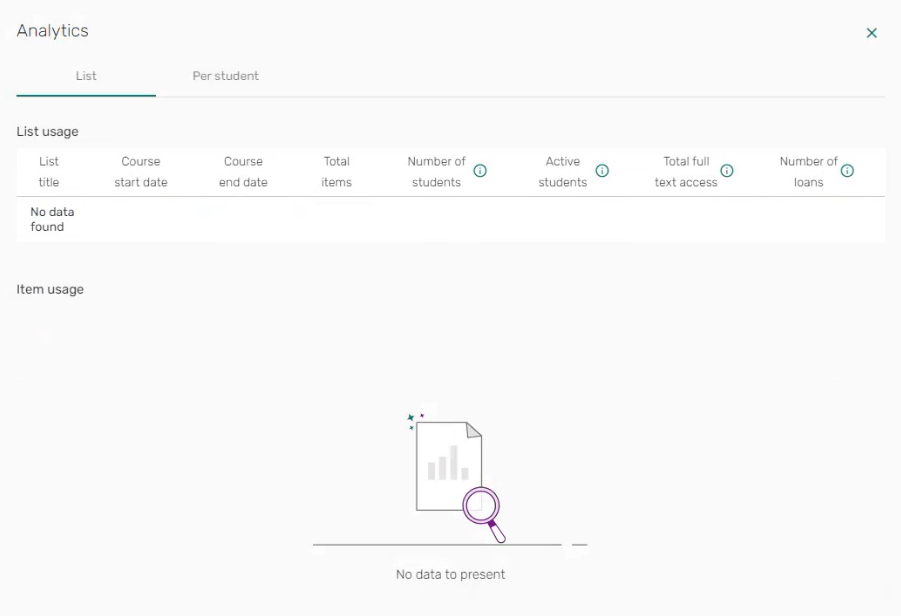
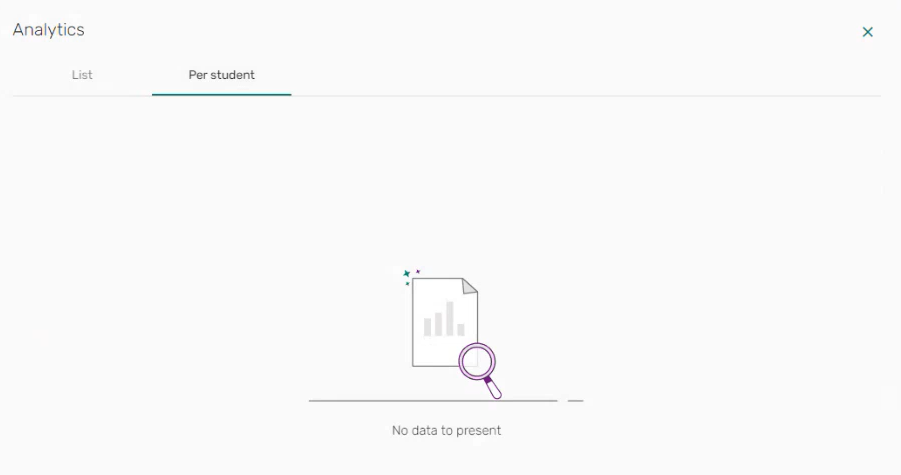
September 2024 Leganto URM-225708 Based on customer feedback, when no data is available for analytics, the Analytics List and Per student tabs now indicate No data to present.
-
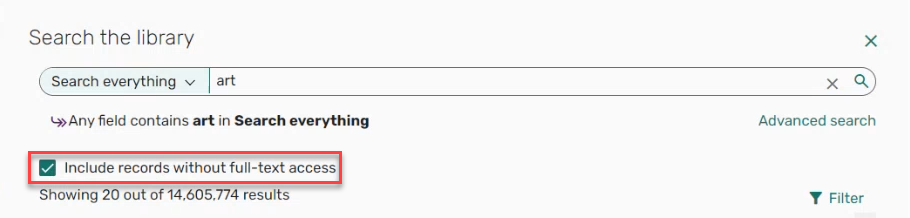
September 2024 Leganto URM-221086 Based on customer feedback, when the checkbox is configured (Configuration > Leganto > Discovery > Primo Integration > primo_include_non_fullltext_option) to be displayed, selecting the Include records without full-text access checkbox automatically re-runs the search.
-
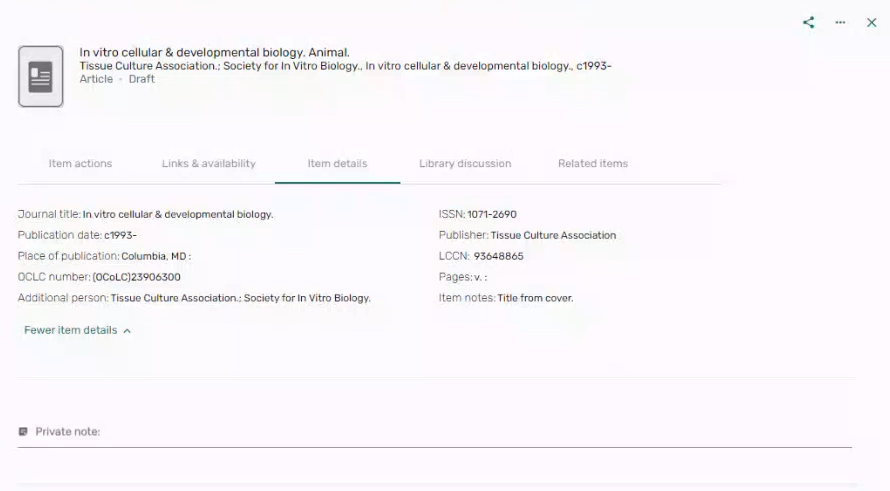
September 2024 Leganto URM-226025 Based on customer feedback, when editing an item and then saving your changes, the item full details now remains open.
-
September 2024 Leganto URM-210860 Based on customer feedback, when scrolling through lists, searches, etc. an up arrow
 now appears to direct the user back to the top of the screen.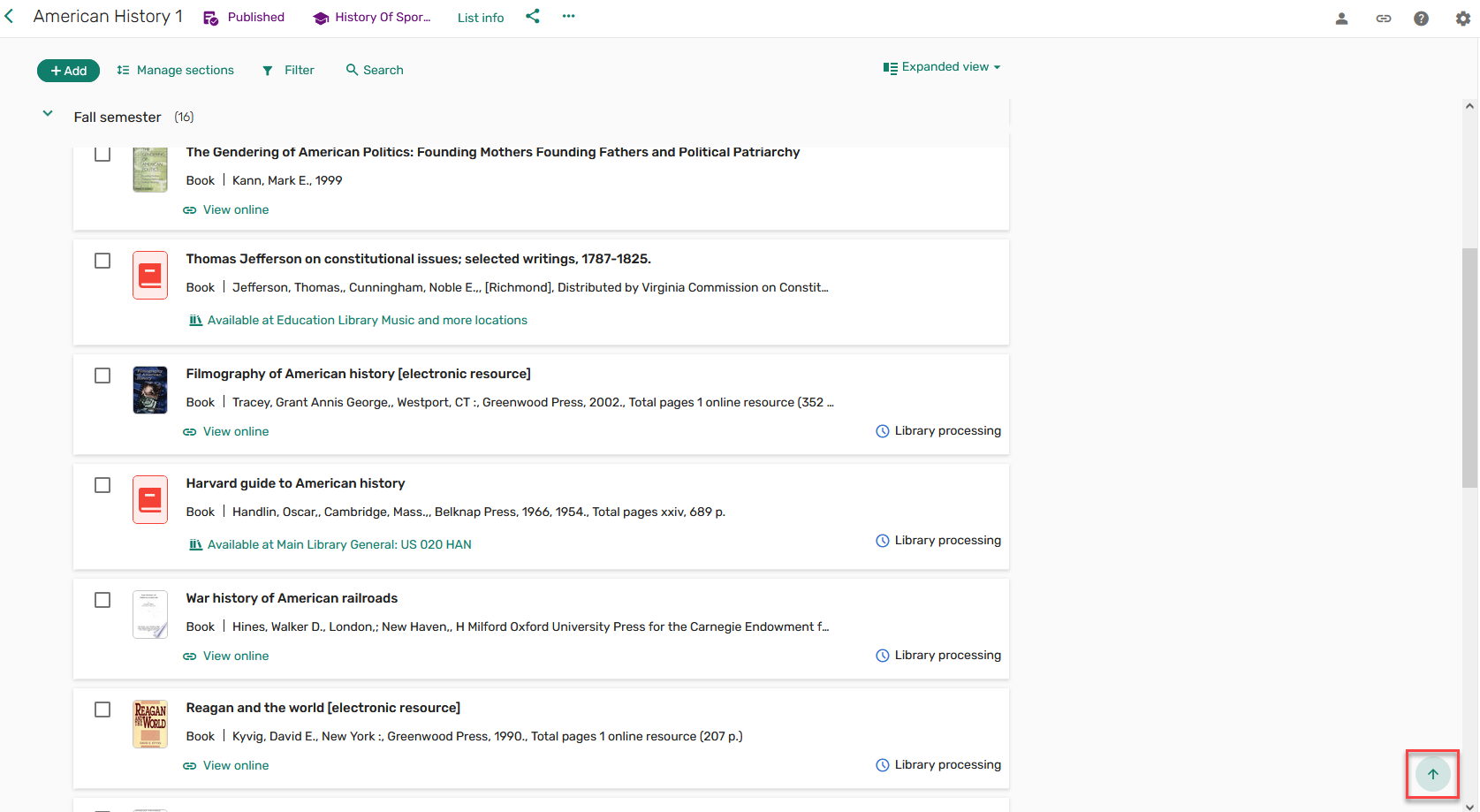
-
September 2024 Leganto URM-228233SF: 07233527 Leganto now supports the new responses for Blacklight 7 and on.
-
September 2024 Leganto URM-213844 SF: 07006894 The add_auth_to_url(Configuration > Leganto > General > Settings) parameter is no longer supported by Leganto and has therefore been removed. The ideal method is to use a shareable link rather than copying the browser URL.
-
September 2024 Leganto URM-220943 URM-217122 URM-217462 URM-227515To better support accessibility, the following improvements were made:
- On confirmation messages that contain links, the link display is now a button to ensure appropriate contrast.
- Previously some status messages were not automatically announced by the screen reader. This was fixed.
- Previously, the group of checkboxes was not associated with their group labels on the instructor rollover page. This was fixed
- Previously, the label Enter search term in the Advanced Search page did not convey the purpose of control. This was fixed.
-
September 2024 Fulfillment - Course Reserves URM-223189 The Normalized Citation Title and Normalized Journal Title fields were added to the Citation Metadata Details dimension of the Course Reserves and Leganto Student Usage subject areas. They display the citation and journal titles in normalized form – in lowercase with all special characters removed.
Resolved Issues
| SF number | Description |
|---|---|
| 07043182, 07064857, 07218313, 07223048 URM-217738 | In some cases, moving an item did not work as expected. This was fixed. |
| 07159637 URM-226486 | Previously, student usage was not recorded in Leganto Usage reports and Alma Analytics. This was fixed. |
| 07252621 URM-229169 | When two banners were displayed, the last citation was cut off. This was fixed. |
| 07224595 URM-228406 | Previously, the copyright clearance form was only displayed for the first citation added in a session. This was fixed. |
| / URM-225691 | Previously, the preview image for the dark blue color scheme (Configuration > Leganto > UI > Branding) displayed the wrong color. This was fixed. |
| 07228079 URM-227983 | Previously, guest users were unable to see Authentication Notes in the new UI. This was fixed. |
| 07224633 URM-227642 | Previously, when the display language was set to German, the Cite It! header Add this to my list was displayed in English. This was fixed. |
| 07215739 URM-227412 | Previously, the Reading List Without Usage report included lists with usage. This was fixed. |
| 07193716 URM-227377 | Previously, Public notes from Alma portfolio links were not visible in Student view in the new UI. This was fixed. |
| 07219187 URM-227294 | Previously, adding questions and answers to a citation did not always work as expected. This was fixed. |
| 07184165 URM-226423 | Previously, the list status was always in English regardless of the selected language. This was fixed. |
| 07191598, 07191618 URM-226412 | Previously, there was a lag when selecting the Publish/Unpublish list button until the button was disabled. This was fixed. |
| 07167320 URM-225255 | In some cases, when adding new citations to a published list with auto_send_list_updates=false, the citation was set to Ready For Processing instead of Being Prepared. This was fixed. |
| 07155247 URM-223695 | Previously, an item menu appeared on Note citations in student view. This was fixed. |
| 07132887, 07219337 URM-223654 | Previously, citation statuses were not copied when duplicating a reading list in the new UI and selecting to copy Item status. This was fixed. |
| 07140652 URM-223429 | Previously, when adding a citation using Cite It!, custom tags could be added manually without generating an error. This was fixed. |
| 07118390 URM-221640 | Previously, some fields were missing from the Leganto Mark as Broken Resolved letter. This was fixed. |
| 07053158, 07120278 URM-219336 | Previously, when force_login=true (Configuration > Leganto > General > Settings), shareable links to a Predefined Find Lists Search were directed to All My Lists instead of the predefined search results. This was fixed. |
| 07031929 URM-215140 | Previously, when adding a JSTOR citation using Cite It!, the citation was not compiled accurately. This was fixed. |
